 reva
revaHow to Sell a Used iPad: Activation Lock, Model and Price
The lock check comes first, the model number second: everything else about an iPad's price follows from those two.
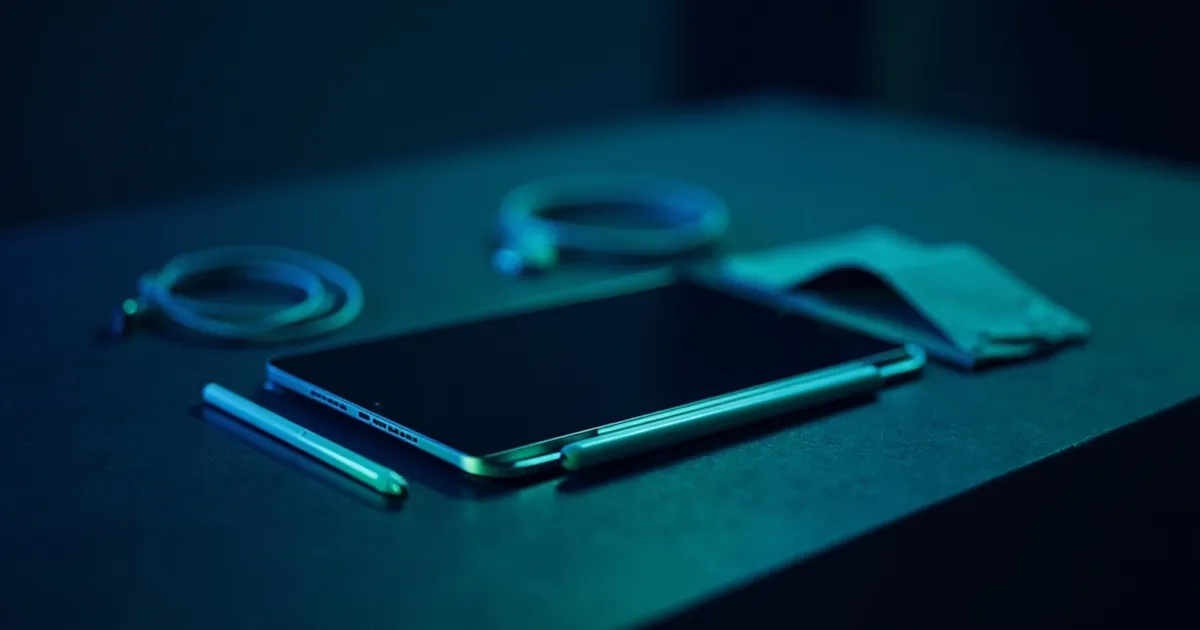
- Remove Activation Lock before the handover: the buyer should power the iPad on and reach the Hello screen before paying.
- Identify the exact model by the A-number on the back cover; match it on Apple's page — do not guess generation from looks alone.
- Compare only identical variants: same A-number, same storage, same connectivity (Wi-Fi or cellular), same condition band.
- Disclose every flaw honestly: dead pixels, battery issues, port damage — undisclosed damage triggers buyer disputes on Vinted.
- Bundle accessories only if they are compatible with that exact model; otherwise sell them separately or skip them.
- Activation Lock: the test that comes first
- Identify the exact model by its A-number
- Storage, Wi-Fi or cellular: the variant decides the comparables
- Screen, battery and ports: what to check and disclose
- Pencil, keyboard and case: bundle or sell separately
- Pricing an iPad against comparable listings
- Where to sell and the handover
Selling a used iPad starts with the step every careful buyer checks before paying: removing Activation Lock. Skip it and the buyer gets a device no one can set up. Then identify the exact model and price it against real comparables — not guesswork.
This page is part of our resale category guides — a collection covering how to resell laptops, Apple Watches, iPhones and other electronics. Related guides include selling used laptops for a similar flow on Windows machines. Below covers the Activation Lock handover flow, how to find the exact model number, what condition details to disclose, and where to list it for the best balance of reach and fees.
Activation Lock: the test that comes first
Activation Lock ties an iPad to an Apple Account. If the previous owner did not remove it, the iPad is unusable — no one can set it up without the original owner's password or Apple ID.
The handover flow works like this:
- 1Seller erases the deviceSettings → General → Transfer or Reset iPad → Erase All Content and Settings
- 2Seller removes from Apple AccountSettings → [name] → Sign Out, OR remotely via icloud.com
- 3Buyer powers on in personHold power until Apple logo appears
- 4Buyer reaches Hello screenIf you see 'Hello' — lock is removed. If it shows 'iPad Locked to Owner' — stop, the lock is still on.
Apple's support page confirms: Activation Lock is "designed to prevent anyone else from using your iPhone or iPad if it's ever lost or stolen" — and it cannot be bypassed without the owner's credentials. Meet in person, let the buyer power it on, and take payment only after the Hello screen appears. The same check applies to iPhones and Apple Watches when you buy used.
Identify the exact model by its A-number
Every iPad has a model number printed on the back cover. It follows the format A + four digits — for example A2925. This is not the same as the serial number or the part number you see in Settings.
Apple's identify-your-iPad page lists every iPad model with its corresponding A-numbers, and it shows which ones are Wi-Fi only versus Wi-Fi + Cellular. Two iPads that look identical from the front can have different A-numbers and different market values.
Why this matters: an iPad Pro 12.9-inch (A2229) and an iPad Pro 12.9-inch cellular (A2233) are different products. Comparing a cellular model against a Wi-Fi-only listing will give you wrong pricing data. Match the A-number first, then storage, then connectivity.
Storage, Wi-Fi or cellular: the variant decides the comparables
Once you have the exact A-number, add two more filters:
- Storage — 64 GB, 128 GB, 256 GB, 512 GB, 1 TB. Storage changes the price of the same model, so never mix sizes in your comparables.
- Connectivity — Wi-Fi only or Wi-Fi + Cellular. Cellular models can sell for more because they work anywhere, but the difference varies by model and demand.
You compare listings that match all three: identical A-number, identical storage, identical connectivity. Mixing any of these produces a meaningless price comparison. For condition-based pricing, see our price by condition guide.
Screen, battery and ports: what to check and disclose
Before listing, inspect and honestly describe the condition:
- Screen: dead pixels, pressure marks, scratches visible on a white background
- Battery: does it hold a charge? Test with a long charge-and-use session and honestly describe the result
- Charging port: inserts the cable firmly, charges reliably
- Speakers and buttons: all work, no crackling or unresponsiveness
- Touch ID / Face ID: enrol your fingerprint or face to confirm it works
On Vinted, undisclosed damage that makes the item "significantly not as described" triggers disputes — wear you described clearly is much harder to dispute. Be thorough in your description.
Pencil, keyboard and case: bundle or sell separately
Accessories add value only if they are compatible with your specific iPad model. Apple publishes a compatibility page for each iPad — check it before you claim a Pencil or keyboard works. For testing other used electronics, see our used electronics resale guide.
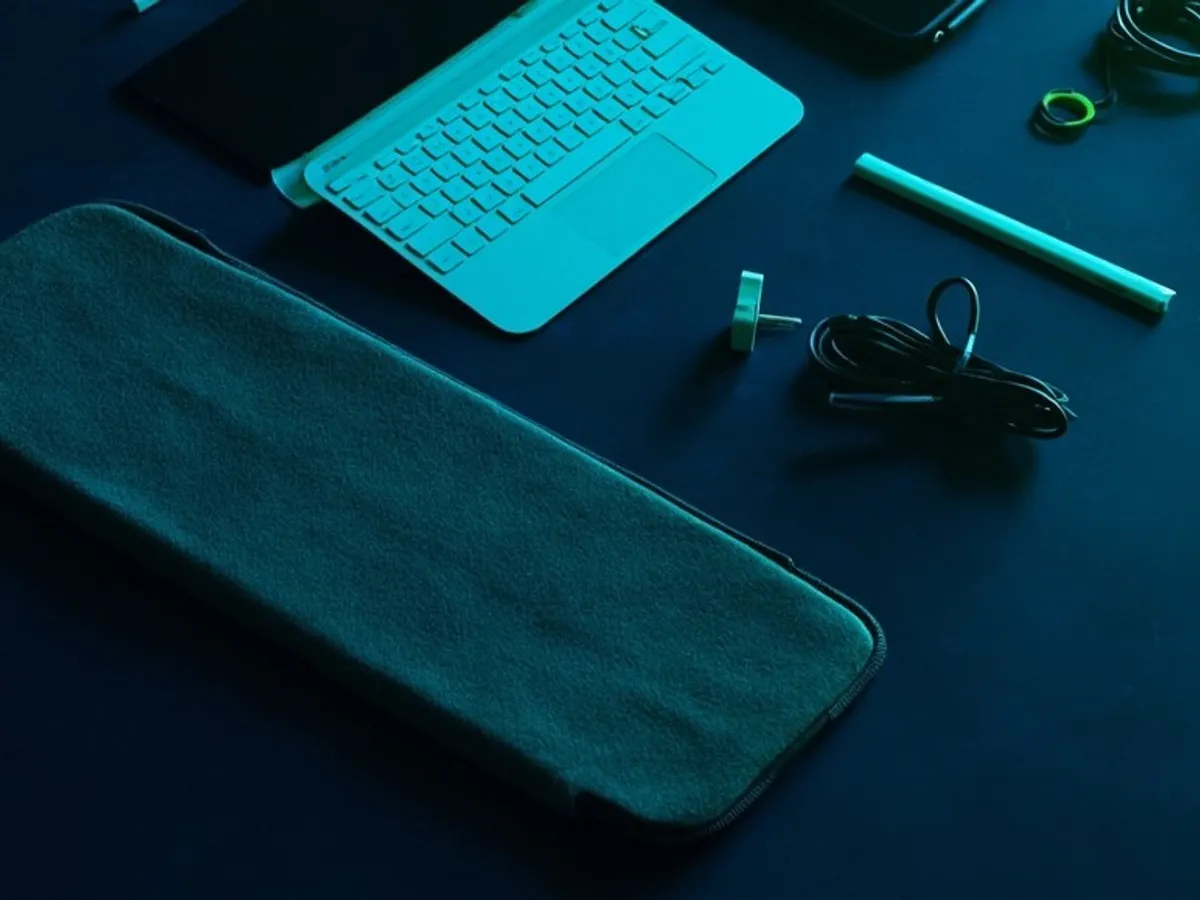
Bundling versus selling separately is a pricing decision, not a rule. If the accessories are compatible and in good condition, bundle them as a convenience package at the parts sum minus a small discount. If they are not compatible with that exact model, sell them separately to a buyer who has the matching iPad — or skip them entirely.
Pricing an iPad against comparable listings
With the exact variant identified and condition documented, find comparable listings on the platforms you plan to use. Group them by your condition band (excellent, good, fair) and pull the median price.
The ladder gives you five decision points. Price at Fair value if you can wait for the right buyer. Price lower for a faster sale, higher if you can wait.
Where to sell and the handover
Three platforms make sense for iPads in Poland:
- Allegro Lokalnie — 4.9% fee on Elektronika category sales via Kup teraz or auction, 0 zł on local listings.
- Vinted — Electronics Verification costs 20 zł and is paid by the buyer. At the time of writing (September 2026), Vinted's updated Terms take effect on 8 October 2026.
- Local meetup — The safest option for the Activation Lock test. Meet in a public place, let the buyer power it on, and take payment only after the Hello screen appears.
For the best reach, list on Allegro Lokalnie with the 4.9% fee or Vinted with the 20 zł verification. For the fastest transaction with zero fees, a local meetup works — and it lets you run the Activation Lock test in person.
Frequently asked questions
How does a buyer check an iPad is not Activation Locked?
Where is the model number on an iPad?
Does an Apple Pencil or keyboard add to an iPad's price?
Is a cellular iPad worth more than a Wi-Fi one?
Sources
- Apple Support: Activation Lock checked 14 Sept 2026
- Apple Support: Identify your iPad model checked 14 Sept 2026
- Allegro Lokalnie fees checked 13 Sept 2026
- Vinted Poland price list checked 13 Sept 2026
Analyze an item with reva
Open any find and see its five-level price ladder, demand score and price confidence, built from comparable items that left the market. Estimates, not guarantees.
reva estimates prices from public listings. Estimates, not guarantees.Keep reading
What sets the price, the main risk and the best selling channel for each category of used items, from phones and LEGO to jackets, with a guide for each one.
17 min read
Sell a used laptop without account-lock problems: wipe and unlink a Mac or Windows PC, check cycle count, match the exact spec and price it against listings.
7 min read
Selling a used Apple Watch: unpair it, remove Activation Lock and the cellular plan, list case size and material correctly, and price it against comparables.
7 min read