 reva
revaBatch Listing: A Workflow for 20 Items in One Sitting
Five stages, one setup, and a crosslisting step that stays inside each marketplace's rules on duplicates and relisting.

- Batching listing work pays off because you set up your workspace, light and background once and reuse it for 20 items — the setup cost is amortised across the batch.
- Tag each item with a code before photographing so every photo file and every listing references the same identifier.
- Vinted's Terms prohibit deleting and re-listing the same item multiple times or multiple items in bulk, and they ban external software tools unless Vinted authorises them.
- OLX allows one listing per item in free and limited categories; ending and relisting the same item within 14 days counts as a duplicate.
- Keep a record of which item is listed on which marketplace so you can delist the others the moment one sells.
Listing items one by one means setting up your photo spot, opening each marketplace, and writing each description from scratch. A batch workflow does the same work once and repeats it. The setup cost — arranging the backdrop, adjusting the light, opening your template — gets paid once and then spreads across 20 items. Fewer context switches mean faster work and fewer mistakes.
This page walks through a five-stage workflow for listing 20 items in one session, with the rules built into each stage. This workflow is part of the broader crosslisting guide that covers selling on multiple marketplaces. For the daily routine that surrounds listing sessions, see the reseller daily workflow.
Stage 1: Prep and tag the batch
Before you photograph anything, clean each item, measure it if the category needs it (a jacket needs chest width, shoes need size), and assign a code. This code goes on a paper tag attached to the item, on every photo file name, and in your tracking sheet.
If you're listing clothes, check for stains, missing buttons or loose hems. A quick wash or iron before the session stops later disputes — more on preparing clothes for sale is covered in cleaning clothes before selling. Write the key measurements directly on the tag — chest width for jackets, inseam for pants — so you don't have to measure again when writing the description. A systematic approach to item codes keeps your inventory organised across all platforms.
This stage prevents the most common batch-listing problem: mixing up which photo belongs to which item. A consistent code format makes everything downstream faster.
Stage 2: Photos in one setup
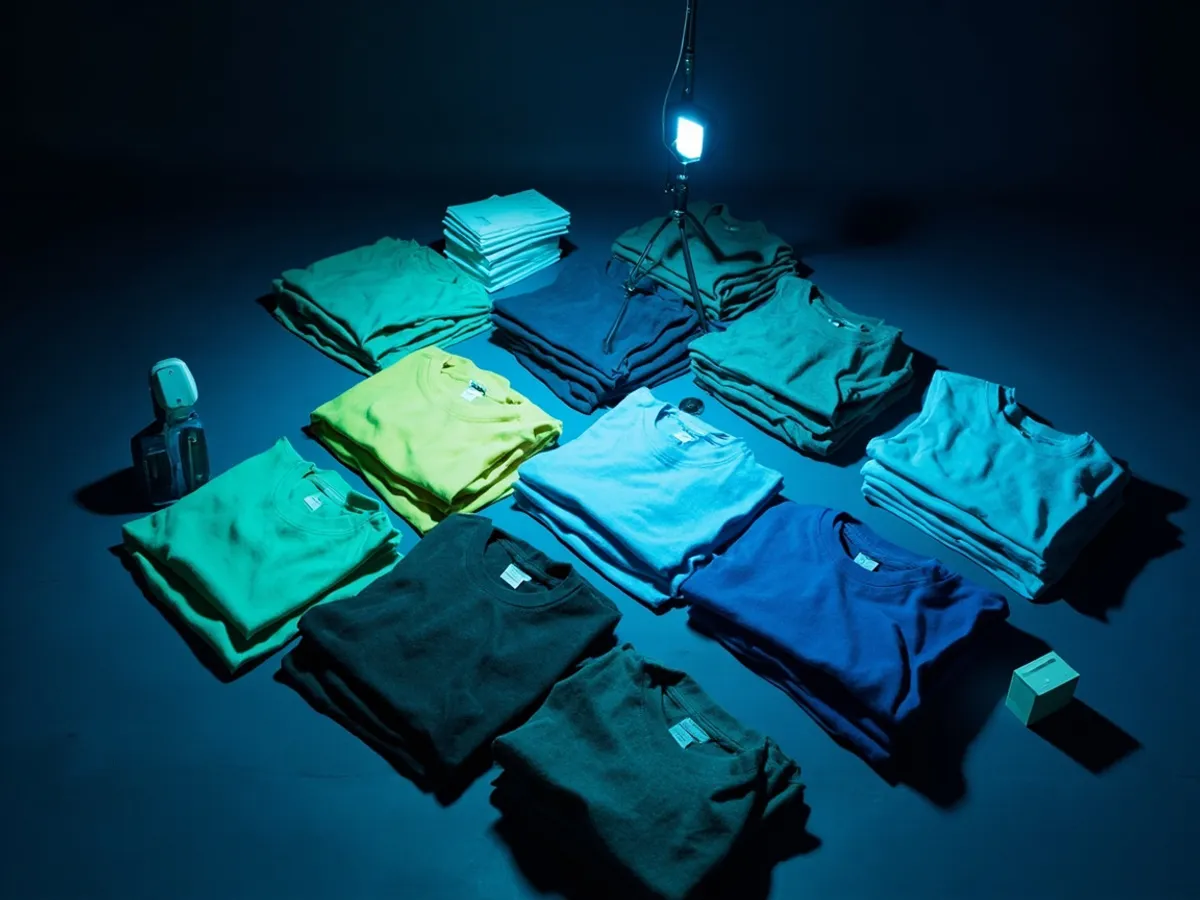
Set up your photo spot once and keep it fixed for all 20 items. Same background, same light, same angle. Vinted requires real photos — stock images and edited backgrounds that look like stock can trigger moderation. Shoot each item in your standard shot list, name the file starting with the item code, and move to the next. For more on photo technique, see product photos for resale.
For clothes, lay flat or hang on a rail. For shoes, photograph on the floor or a mat. The key is consistency: a buyer scrolling through your batch should see the same quality across every listing.
- 1Prep and tagclean, measure, code all 20 items
- 2Photosone setup, file names with codes
- 3Writetemplate titles and descriptions, prices from comparables
- 4Publishfirst marketplace
- 5Crosslist and recordsecond marketplace within its rules, update the sheet
Stage 3: Titles, descriptions and prices from a template
Write a template per category rather than starting each listing from a blank page. The template covers your standard description structure: brand, material, condition, flaws (if any), and your preferred wording for each. Fill in the specifics — the exact brand name, measurements, and any defects — from your prep notes.
For price, look up comparables on the first marketplace you're targeting. Vinted and OLX both show asking prices, which give you a range. Price at or slightly below the median for faster movement, or at fair value if you're not in a rush.
This is where reva List (early access) can help: it prepares listing drafts on Vinted, OLX and Allegro Lokalnie from your photos. You review the draft, tweak the text if needed, and publish yourself. The tool speeds up the writing stage without auto-publishing.
Stage 4: Publish on the first marketplace
Most resellers start with Vinted because it's free to list and reaches the widest audience in Poland. Publish a few items first, then continue publishing through the day rather than dumping all 20 at once. Vinted's ranking includes upload recency, so items uploaded throughout the day stay visible in the "just uploaded" section.
Vinted's Terms say users must not "delete and re-list the same Item multiple times or multiple Items in bulk" (Polish: "wielokrotnie usuwać i ponownie ogłaszać tego samego Przedmiotu lub wielu Przedmiotów w formie zbiorczej"). This means you can't delete a listing and recreate it to bump it — publish once, let it run, and refresh only by editing the listing or using Vinted's built-in bump if you choose.
For vocabulary specific to Polish listings, see writing listings in Polish.
Stage 5: Crosslist and record where each item is listed
Once the batch is live on Vinted, copy each listing to OLX and Allegro Lokalnie. Before you do, check the limits:
- OLX: one listing per item in free and limited categories. Ending a listing and relisting the same item within 14 days counts as a duplicate. In free categories like furniture, you get 1 listing per 60 days; for smartphones, laptops, consoles and TVs, 2 listings. The limits renew 30 days after each listing counts.
- Allegro Lokalnie: listing is free outside motoring and real estate. Only regular (private) accounts can publish.

- 0:00
prep and tag 20 items
- 0:40
photos in one setup
- 1:30
write titles, descriptions and set prices
- 2:20
publish on Vinted
- 2:40
crosslist to OLX and Allegro Lokalnie, update tracking sheet
Keep a record: item code, Vinted URL, OLX URL, Allegro Lokalnie URL. When an item sells on one platform, check the other two and delist immediately. The avoid double sales page has a simple sheet template you can copy.
This workflow turns a pile of unlisted stock into 20 live listings in a repeatable session. The more you use it, the faster your templates get and the smoother each stage flows.
Frequently asked questions
How long should it take to list 20 items?
Should I publish a batch all at once or spread it out?
What should I prepare before a listing session?
How do I avoid selling the same item twice after crosslisting a batch?
Sources
- Vinted UK Terms and Conditions (version in force from 30-04-2026) checked 13 Sept 2026
- Vinted PL Regulamin (version in force from 15-09-2025) checked 13 Sept 2026
- Vinted UK Catalogue Rules checked 13 Sept 2026
- Vinted UK: Our platform (selling free for individuals, ranking factors) checked 13 Sept 2026
- OLX.pl Annex 3: listing limits, effective 7 January 2026 checked 13 Sept 2026
- Allegro: Fees on Allegro Lokalnie checked 13 Sept 2026
- Allegro Lokalnie: Sprzedaj teraz checked 13 Sept 2026
Prepare listings in reva
Early access: reva recognises brand, model and size, suggests a price from the ladder and prepares listing drafts that you review and publish yourself.
reva estimates prices from public listings. Estimates, not guarantees.Keep reading
How crosslisting works in Europe: marketplace rules, Vinted, OLX and Allegro Lokalnie specifics, tool options, delisting fast and avoiding double sales.
24 min read
A daily routine for resellers: when to check new listings, batching photos and listings, shipping blocks, bookkeeping and which steps to automate first.
8 min read
Photographing second-hand items that sell: light, angles, flaws and labels, phone settings, marketplace photo rules and why white backgrounds can backfire.
7 min read